
A guided walkthrough for new mobile users
Start your Nitya Gita journey
Released today as the Digital Sanctuary, the rebranded app brings 16+ languages, high-quality AI audio, a calm ad-free reading room, and the status/video creator that turns verses into shareable stories. Each section in this guide pairs a screenshot or demo with the text so you follow the journey visually.
Home and daily discovery
Start with the home feed and discover the verse of the day.
Read and listen
Move from reading into audio and reflection without friction.
Keep your flow
Come back and continue your journey with less interruption.
Share image creator
Turn a verse into a social-ready image in a few steps.
Video and status creator
See the standout creative feature that gives the app its edge.
Main experiences
The app journey at a glance
01
Start from the home screen
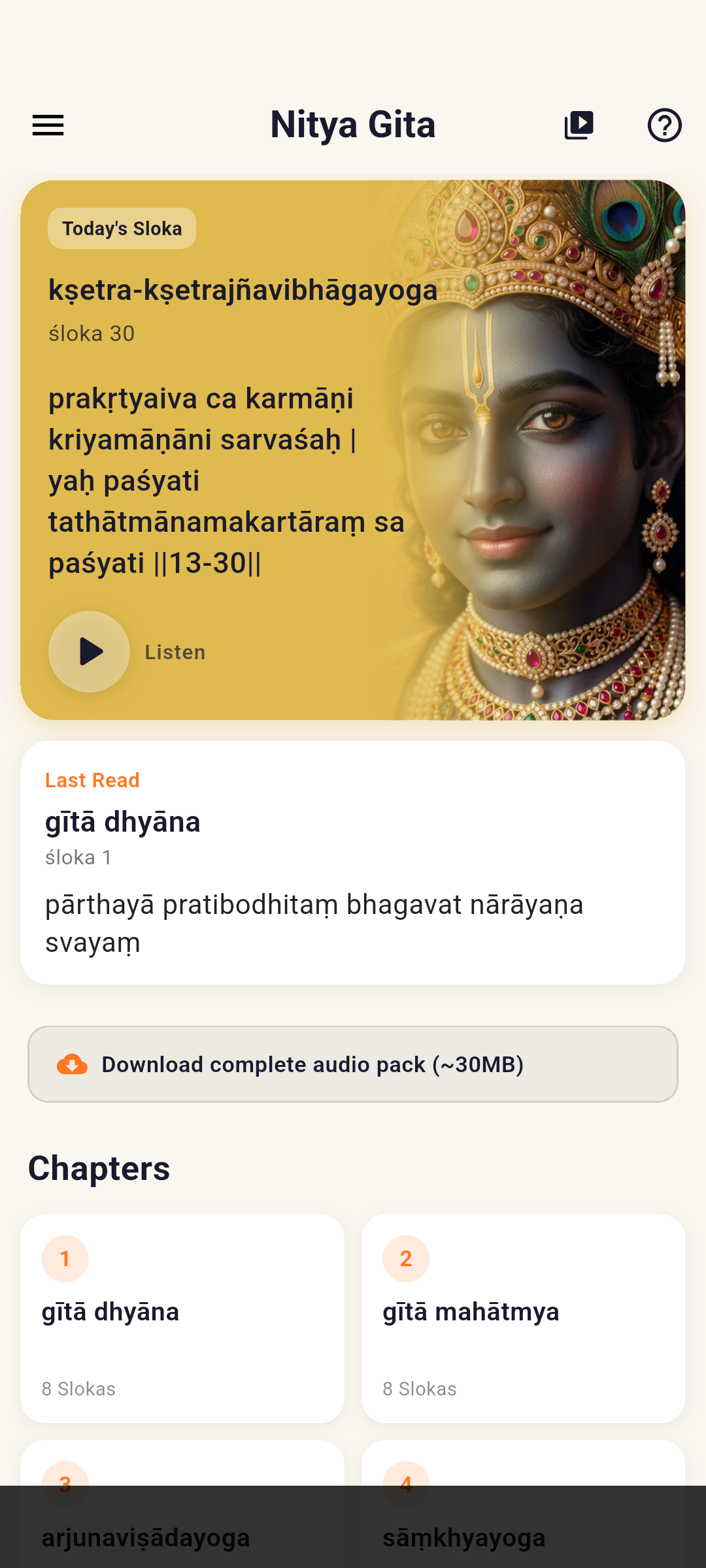
The home screen acts as the main entry point for the app. It combines discovery, verse browsing, and quick actions so a new user immediately understands where to begin.
- The verse of the day is built into the home experience itself.
- With the search screen retired, today’s verse is delivered through the home feed so you never start from a blank search.
- Users can play, favorite, and share directly from the visible verse cards.
- The first reading experience feels calm and approachable instead of overwhelming.
02
Read and listen without breaking focus
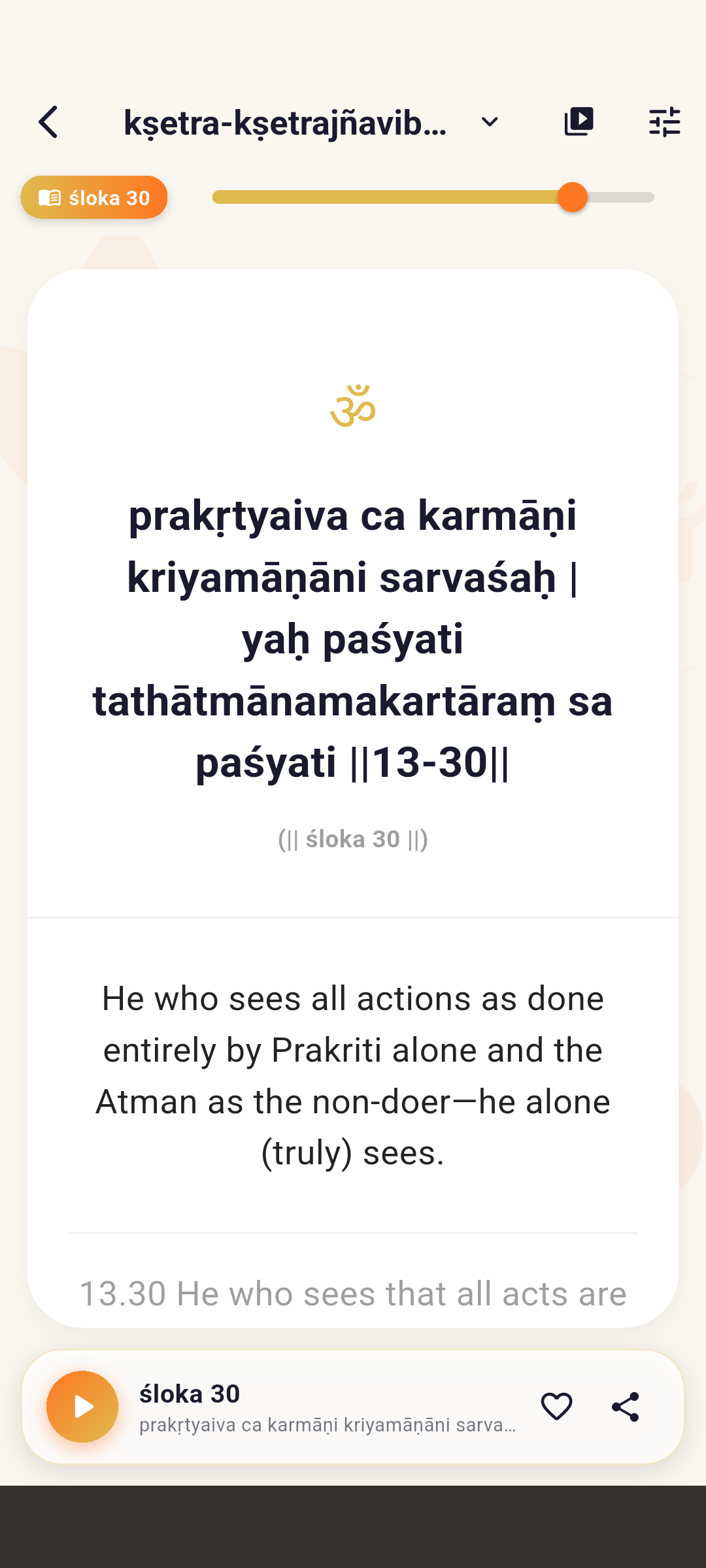
The verse screen keeps reading and listening closely connected. It gives the user a clear place to reflect on the verse while still having audio and quick actions close at hand.
- Verses and meanings are easy to read in one place.
- Audio deepens the experience without pulling users into a separate flow.
- Saving or sharing a meaningful verse stays lightweight.
03
Keep your spiritual rhythm going
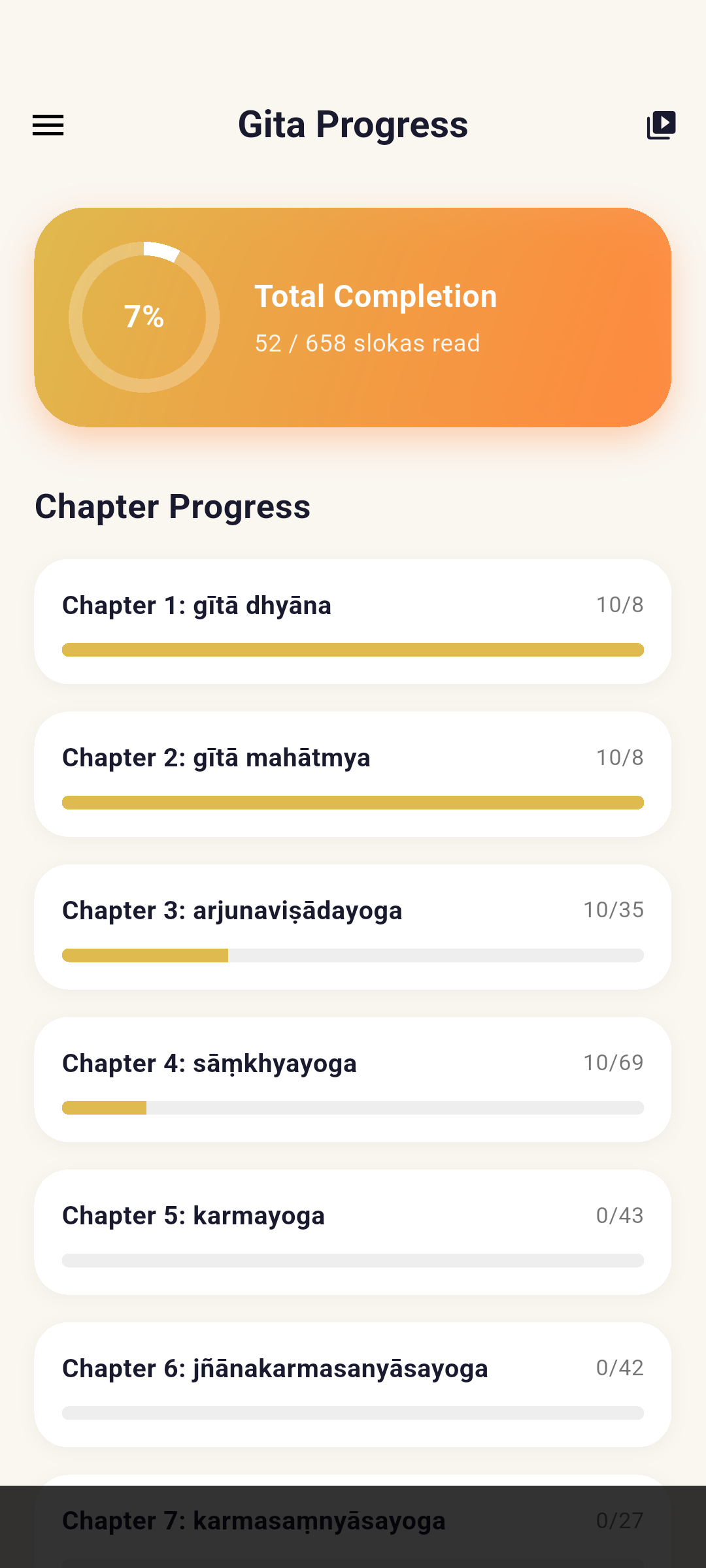
Progress and continuity matter in an app like this. The reading flow helps users return, continue, and stay grounded in a steady habit.
- Users can keep track of their reading progress.
- Returning to the app feels smooth instead of restart-heavy.
- It supports a calmer and more consistent reading rhythm.
05
Turn verses into status videos and richer stories
This is the feature that most clearly sets Nitya Gita apart. Instead of stopping at static sharing, the app lets users turn verses into stronger visual stories for modern devotional sharing.
- Backgrounds and export formats make the output feel platform-ready.
- The feature is built for status updates, short videos, and spiritual sharing.
- It extends the app from reading into creation without losing its identity.
Creator demo shown in Malayalam UI. The feature flow is the same in the English app.
Take the next step
Download the full mobile experience
Read, listen, reflect, share, and create from one calm, cinematic app designed around the Bhagavad Gita.